Houston, Texas · Monitored · Bilingual

Data backup that you know
will work when you need it

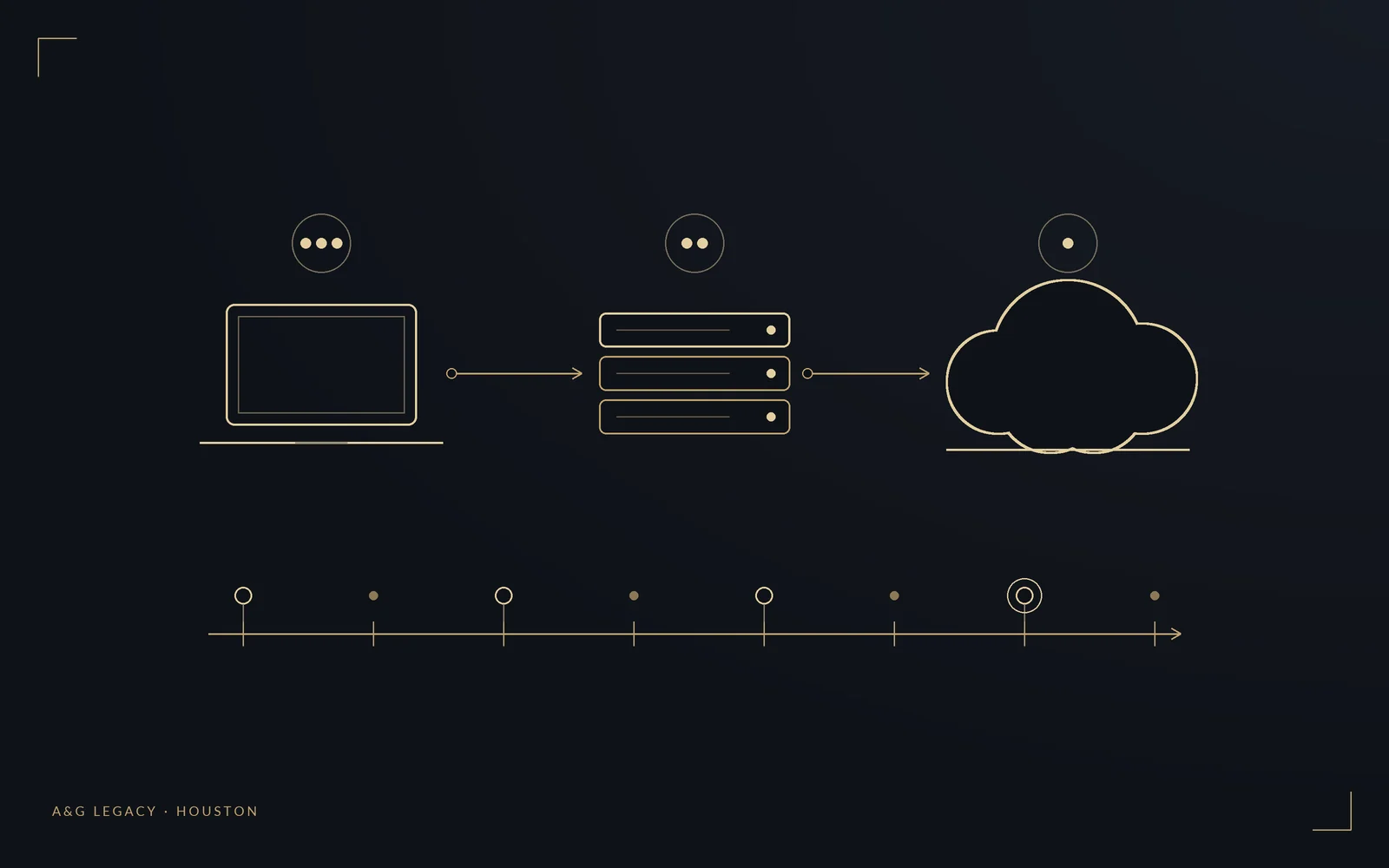
Gold line-art illustration of a laptop, server, and cloud with backup copies flowing to off-site storage

Automated, monitored backups for Google Workspace, Microsoft 365, QuickBooks, computers, and file servers. Separate copies that ransomware can't touch. A tested restore before we call it done, and a written recovery plan in English and Spanish.

Bilingual, Houston-based, real people on site

Free backup audit · Storage at cost · Tested restore included

$500
One-time setup
3-2-1
Copies, media, off-site
Tested
Restore drill on every setup
EN + ES
Bilingual recovery plan
What Every Setup Includes

A backup is only real if you can restore it

Most small businesses find out their backup was broken on the day they need it. We build the system, test it, watch it every month, and write down exactly how to recover.

Backup Audit

We map where your critical data actually lives: email, shared drives, accounting files, patient or client records, laptops. Then we decide what gets backed up, how often, and where.

Cloud App Backup

Independent, versioned backups of Google Workspace or Microsoft 365: mailboxes, Drive or OneDrive, Shared Drives, SharePoint, calendars. Restore a single email or an entire account.

Computer & Server Backup

Windows PCs, Macs, QuickBooks Desktop company files, and on-site file servers or NAS devices, backed up automatically on a schedule that fits how you work.

Off-Site, Ransomware-Resistant Copy

Following the 3-2-1 rule: three copies, two types of storage, one off-site. Where the provider supports it, backups are immutable so ransomware can't encrypt or delete them.

Monitoring & Alerts

Every backup job reports in. If one fails, we see it and fix it before it matters. You get a short monthly status note so you never have to wonder.

Restore Drill & Recovery Plan

We restore real files during setup to prove the system works. You get a written recovery plan, in English and Spanish, covering what to do, in what order, and who to call.

Who Needs This Most

Businesses that can't afford to lose records

If losing a week of files, invoices, or client records would hurt, a tested backup is the cheapest insurance you can buy.

Medical & Dental Clinics
Accounting Firms
Law Offices
Real Estate Brokers
Home Services
Retail & E-commerce
Architects & Designers
Professional Offices
Transparent Pricing

Simple setup, small monthly, storage at cost

You pay once for the build, a small monthly fee for monitoring, and the storage provider's normal rate for space. No markup on storage.

Setup

$500

Audit, build, restore drill

Get a quote

Monitoring

$50

Per month, up to 5 computers (+$10 per extra computer, $50 per server)

Get a quote

Storage

At cost

Billed by the provider

Get a quote

In Full Stack

Included

Monitoring for up to 5 computers, plus 20% off setup

Get a quote

Very large data sets, multiple locations, or server image backups are quoted after the free audit.

What to Expect

Three commitments, in writing

These three commitments go into every quote, so you know what you are getting before we start.

01

Written quote in 1 business day

After the free backup audit or call, you get a line-item quote within 1 business day. Setup, monitoring, storage at cost, and anything not included, all listed.

02

A documented setup

You get a documentation package (what is backed up, where, and how often) and a restore checklist we test with real files before we sign off.

03

Support for 30 days

Any question or issue in the 30 days after the setup gets a response within 1 business day.

Common Questions

Data backup FAQ for Houston small businesses

How much does business data backup cost?

Setup starts at $500 one time. That covers the backup plan, provisioning, automated schedules, an off-site copy, and a tested restore. Ongoing monitoring is $50 per month for up to 5 computers ($10 per extra computer, $50 per server), where we watch every job and fix failures before you need the data. Cloud storage is billed by the provider at their standard rate with no markup. Full Stack includes backup monitoring for up to 5 computers, and the backup setup is 20% off for Full Stack clients.

Doesn't Google or Microsoft already back up my data?

They keep the service running, but they do not protect you from your own deletions, a compromised account, or ransomware that syncs encrypted files into your cloud drive. Deleted items sit in a trash bin for a limited window, then they are gone. An independent backup keeps separate, versioned copies you control, so you can restore a mailbox, a folder, or a single file from weeks ago.

What can you back up?

Google Workspace (Gmail, Drive, Shared Drives, Calendar), Microsoft 365 (Outlook, OneDrive, SharePoint), QuickBooks Desktop company files, Windows PCs and Macs, and on-site file servers or NAS devices. We start with an audit of where your critical data actually lives, then back up what would hurt to lose.

How fast can you restore after a problem?

Single files and folders usually come back in minutes. A full mailbox or computer depends on size and internet speed, typically hours rather than days. Every setup ends with a restore drill so we know the backup actually works, and you get a written plan showing exactly what to do and who to call.

Is the service available in Spanish?

Yes. A&G Legacy is fully bilingual. The audit, setup, walkthrough, and recovery plan are available in English and Spanish.
Protect Your Data

Find out if your backup would actually work

Free backup audit. We show you what is protected today, what isn't, and what it would take to fix it.

Free audit · Tested restore · Bilingual recovery plan